Place: move it from your hands to the plot
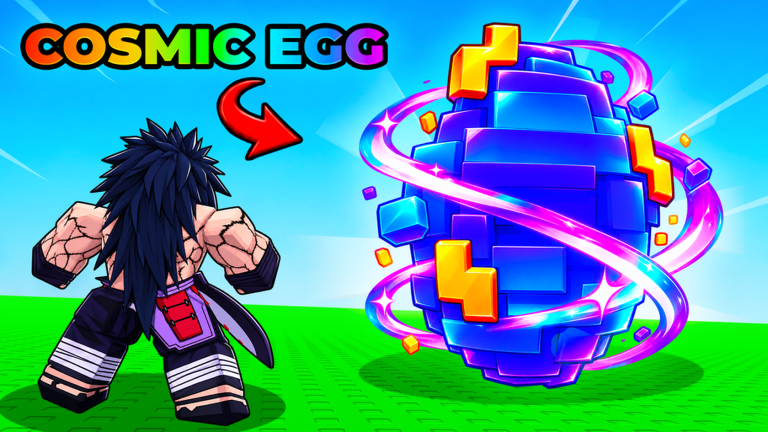
Return to your base and use the visible placement prompt. If the egg never appears on the plot, the timer has not started.
Wait: read the timer on this egg
Recorded runs show short and long timers, plus paid skip prompts. Those are dated observations, not a fixed table. Read the timer currently rendered above your own egg.
Hatch: verify the result, then the income
When the egg becomes ready, open it and look for the anime result on your plot. Rarity and income labels describe that result in the current session; this site does not extrapolate odds from one opening.
Plot full: capacity, not bad luck
A captured run showed “Your plot is full! (8/8 items).” Treat this only as that run's visible state. The general recovery is stable: stop collecting, resolve or upgrade current plot capacity, then place the waiting egg.
Dated observed examples
A September 30 gameplay capture showed a Basic Egg with 9 seconds remaining.
Another capture showed a Candy Egg with a paid “Skip 15 Min” prompt.
A different state showed 8/8 items and blocked more placement.
Next: if movement blocks the return, open Speed & Money. If the loop itself is unclear, restart with the beginner route.
Evidence boundary: official Roblox metadata establishes the named systems. Dated gameplay observations explain visible states; prices, timers and balance can change in-game.